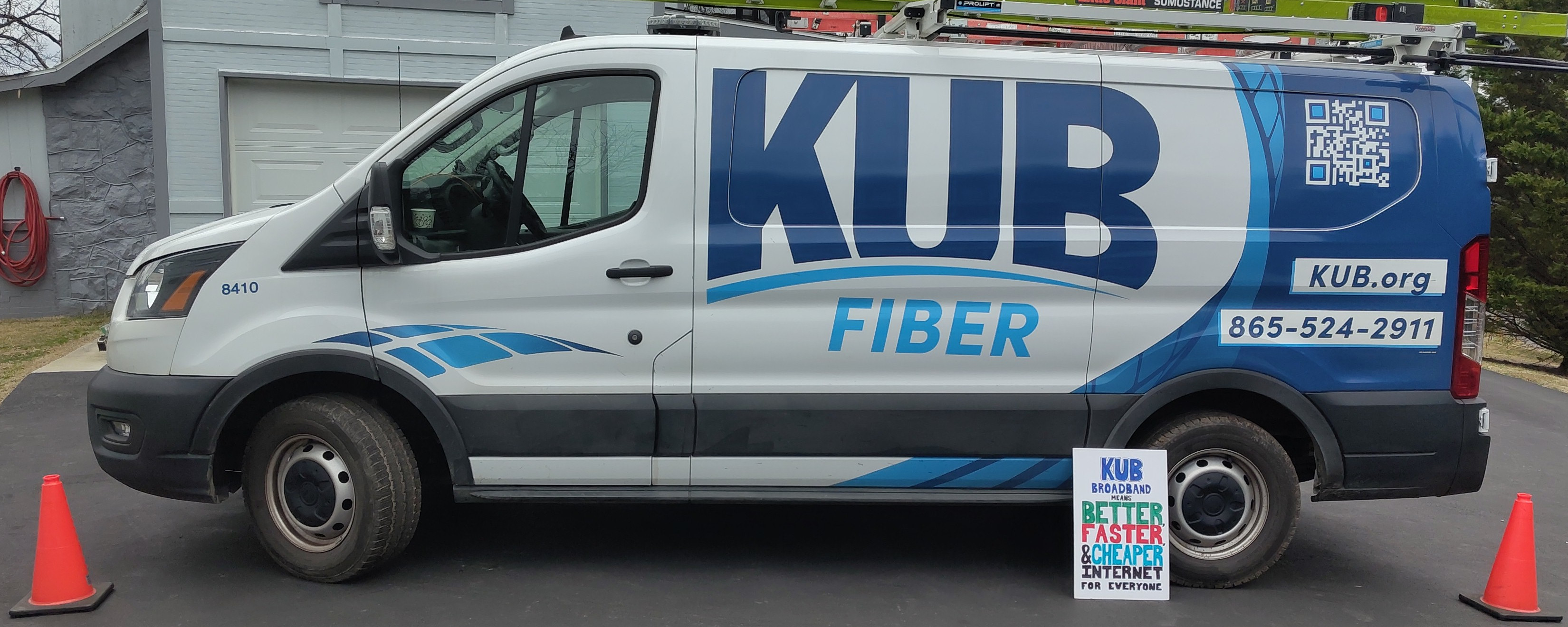
KUB Fiber has arrived! (Specifically - at my house which was somewhat late in the rollout)
Before it got to my place, I’d already configured and seen it in action at two or three other residences. Everything has been really smooth, even including when I first realized that CGNAT was being used.
Of course for my own setup CGNAT was not gonna cut it - so add on the “Static IP” plan feature we did. And thus the adventure begins…
Pre-install work
Before KUB had even marked itself available at our address the line crews ran the fiber up to the service pole on the property. The fiber ended there in the pole-mounted junction box for quite some time before we could actually sign up. This is of course expected, because as I covered in the earlier post: this fiber was going to be installed (in at least some limited capacity) regardless if it could be used as an ISP since KUB needed it for power system control and reliability.
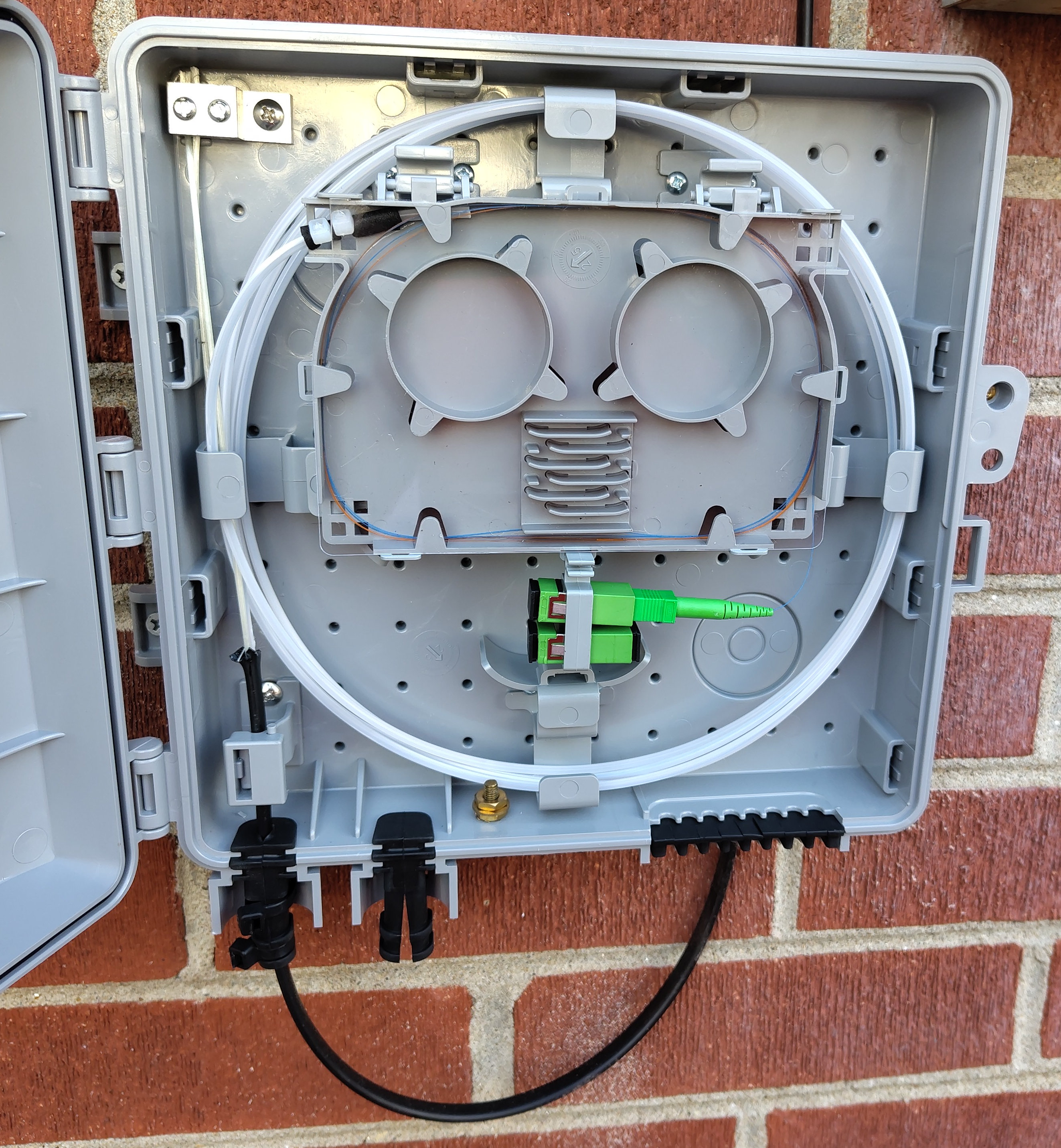
Once the area on the map had been marked available we got our notification we could sign up to have home internet installed. Of course we did so quickly and a few days before the scheduled in-home install date they ran the short fiber line from the pole to the junction box on the house exterior.
Install
On install day we had the van show up and the smaller line was run to my server room along the roof edge. Probably one of the easier installs the employee performed considering there was already a hole in the wall where the fiber could come inside.
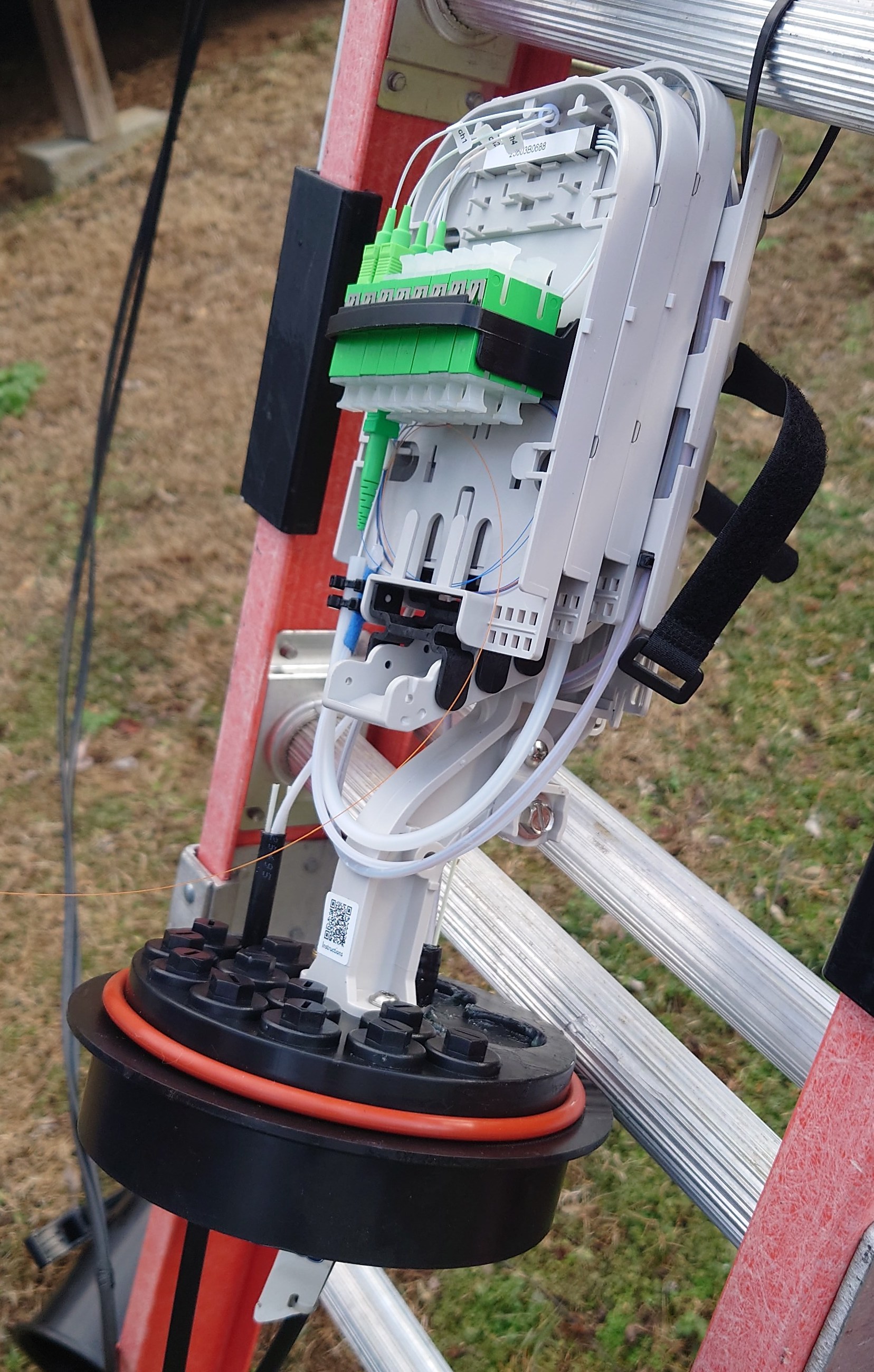
Deployment on the inside was simple, once out of the outdoor junction box and in through the wall we first go through another smaller junction box, this time just to convert the fiber cable from outdoor to indoor, but realistically with how close they we in my specific install it may have been unnecessary. The interior fiber line sat in a coil and linked the modem that now sat upon my server cabinet.
After a quick configuration of the static IPv4, gateway, subnet, all that good stuff, we ran the first few speedtests and successfully hit over 1.2gbps! Having proven that the link was working and the speeds better than gigabit, all was well and we both assumed the install was completed without issue.
The day after
Having taken my respite, I encounter the first indication of something very unexpected with KUB’s new rollout: I wasn’t getting an IPv6 address!
Of course being such a proponent of the KUB fiber rollout I’d already set up two other residences with KUB fiber, so I go through my day of tinkering - trying all the combinations between SLAAC and DHCPv6 to try and get any IPv6 connectivity - but alas I could not even get one peer to show in the NDP table. This was quite bizarre - I know for sure my two other KUB sites are connected just fine using a /64 DHCPv6-assigned address prefix.
So after giving it another day and a fresh mind, I still could not diagnose the issue and started my long chain of reaching out to KUB’s customer support avenues. Eventually after only a handful of calls (mostly me figuring out how to ask the right questions to get to the tech folk) I was informed to my surprise that with a static IPv4 address there is no IPv6 connectivity!
What???
It took a bit for me to really process what knowledge I had just been granted. But after mulling it over for a while, the fastest resolution I could come up with would be to have 2 WANs, one with the static IPv4, and another without so I could route normal dual-stack traffic.
So here’s the idea, I’ll have a dedicated IPv4-only WAN that will primarily just be for my personal servers, and act as a failover link for a primary outgoing dual-stack WAN.
Interestingly I believe this may have some unique benefits, but we’ll get to that after I can prove that this is really going to work out. So I ring up KUB one more time and ask them directly for a second line.
The Second Line
Fast-forward a month and a few calls with KUB to get the plan in motion, the second line installation has been approved. ‘Approved’ is the word here, because it took another call to get the techs to physically install it, and one more call to fix the second line being registered as another static IP instead of DHCP. Hopefully it won’t be too long until they do whatever software development or process changes are needed to get IPv6 working for their static IPv4 customers - although I am happy to have been part of the early adopters to give feedback.
One quirk to note is that internet gateway routing takes a bit more configuration when two WAN interfaces share the same upstream gateway IP, since I’m also migrating to OPNsense instead of pfsense in this switchover it was a relatively simple fix to change the monitoring addresses. I’ll get into this quirk more in the next section.
But now, 6 weeks later, we have all the pieces in place to switch over and finally drop AT&T.
Home Network Configuration
Although I asked KUB tech support a few times whether I could request an IPv6 prefix larger than /64, they always said no, only /64 is supported. After some twiddling in my DHCPv6 client settings though I did find I could request a /56 without any issue. (I had problems in OPNsense gateway routing when using a /60, but I haven’t investigated that yet.) So by power of VLANs and a few hours messing with Kea vs dnsmasq I had IPv6 PD networks separated for my ‘guest’ and personal servers. With a /56, I could continue to separate even more, but for now I don’t think my IoT or iLOM networks need IPv6, let alone internet access.
As for the whole “two WANs with the same gateway address issue”, turns out that setup is not officially supported for OPNsense, so I had to get a bit creative. While I could add and connect via both interfaces, it isn’t possible (yet) to route to the same gateway IP address via separate interfaces. What I did instead was force some specific outgoing traffic (via firewall rules) to a specific gateway. That way I could at least control which line certain traffic went out on rather than relying on a sometimes-broken system routing table. This works when the firewall handles packets before the system routing table, but for any traffic originating from the firewall itself I still end up having to ‘force’ the default gateway up due to monitoring failures.
Now after a week of the new lines being up and operational (after a few hours of downtime) I’ve definitely noticed far improved performance across the board compared to AT&T.
- Better bandwidth (paying for 1gbit/s and getting real-world 1gbit/s)
- Better latency & consistency across the board
- No more double-NAT or awful buggy firmware of AT&T’s BGW-320 that would drop active connections
- Support staff who can actually talk and escalate to the right techs rather than just following the script.
- AND it’s still cheaper even with two lines?
And I’ve got data to prove it too!
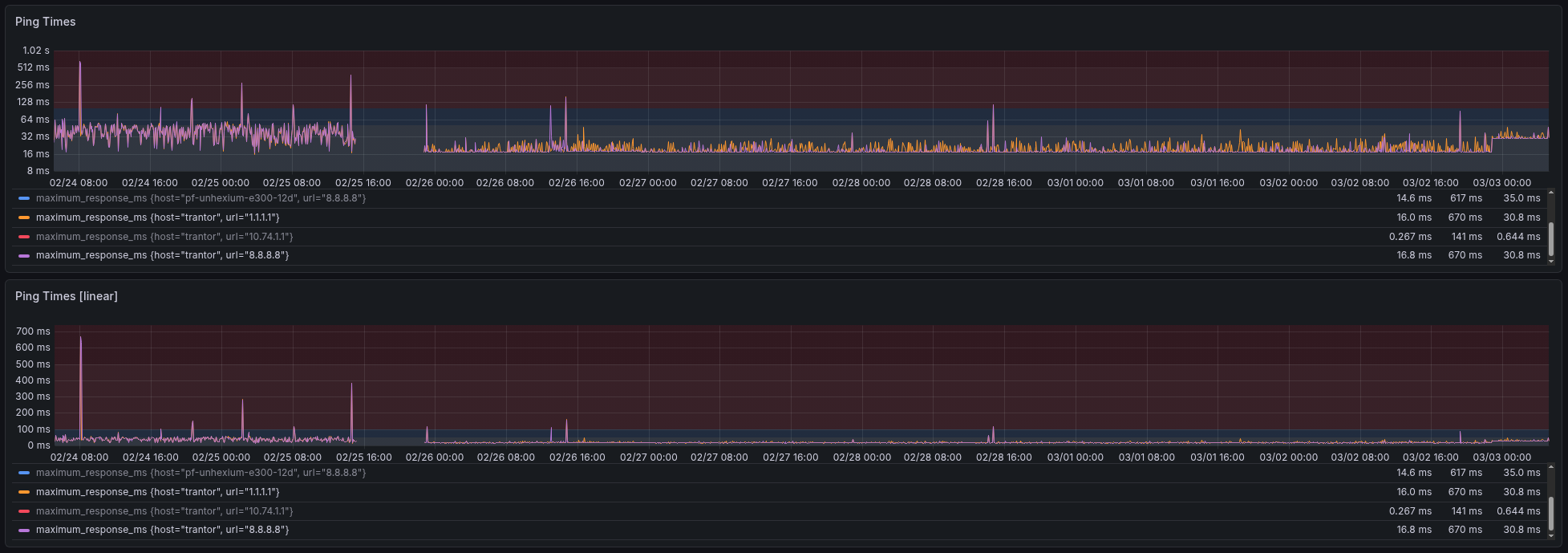
In the chart above from left to right: we can see: AT&T with highly unstable latency, the few hours of downtime, KUB line while unloaded, and at the end is the KUB line while loaded with my normal traffic volume. While I can’t say how much of the poor AT&T performance is due to bad firmware vs bad upstream networks, I can say for certain KUB blew them out of the park. Really makes you wonder what just a little bit of fair competition and quantitative metrics can do.